Scheduling & clinic flow
See appointments by provider and room. Coordinate scheduled visits, walk-ins, and intake as the clinic day changes.
See how students and staff use ozehr before, during, and after a campus health visit, with medical care, nursing, and counseling in the same EHR.

Take a one-minute tour of the tools that connect the visit, the record, and the people in your care.
Explore all seven filmsMeet the new ozehr: the EHR built for college and university health services. An AI scribe that drafts the note, while you focus on the student. Ask Oz finds the answer in the chart, with the source attached. Vaccine records, read and checked against your school’s rules. An app for students to book care, message the health center, and request refills. And OzOnCall keeps the chart with providers, wherever they are. Counseling records, with the privacy controls they deserve. Appointments and rooms, coordinated, to keep the day moving. The whole health center, in one place. Campus care. Less time charting. You’re invited. Book a demo at ozehr.com.
Illustrative scenes and product views with sample data. Clinical information requires review by the care team.
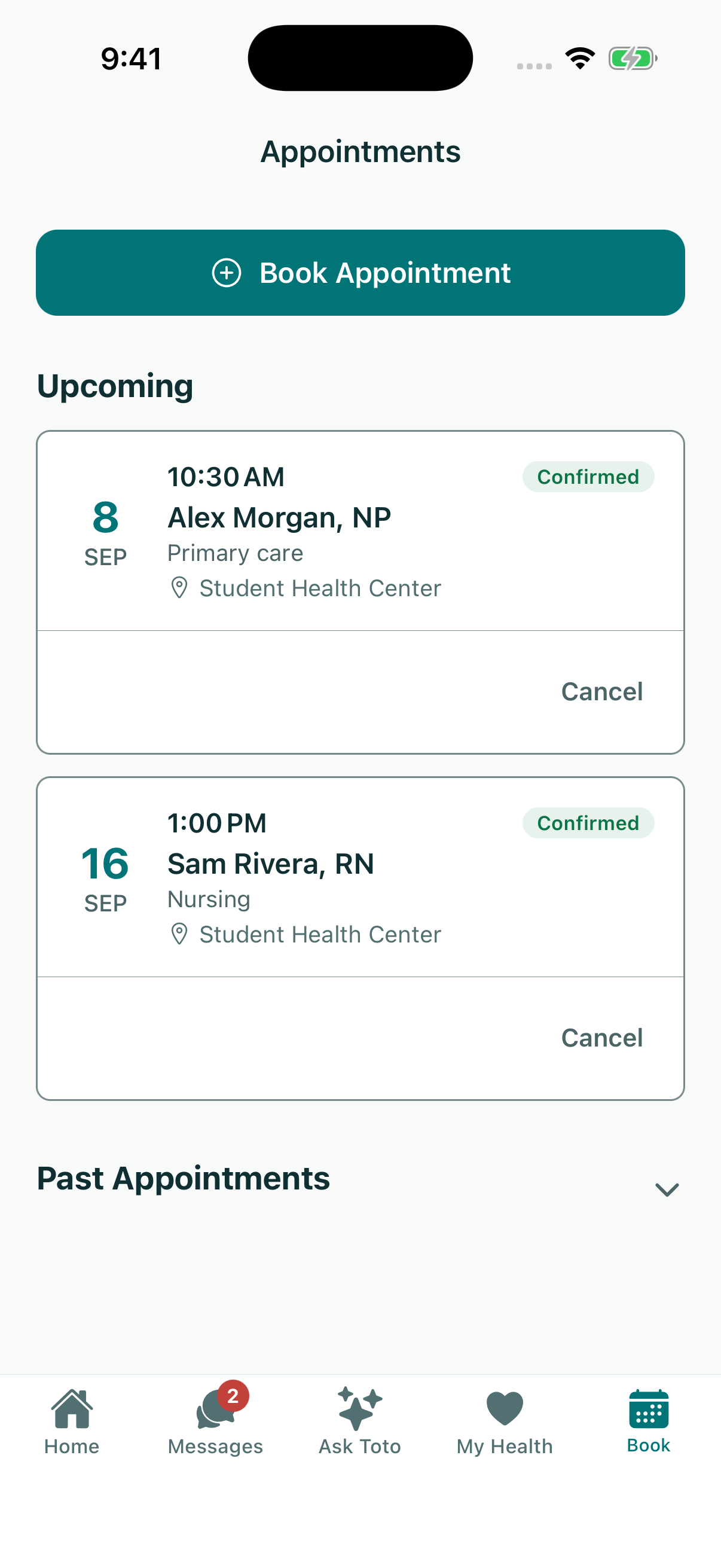
Students can find a service, book a visit, complete intake, and upload records in the OzEHR app. Staff can review that information as they prepare for the appointment.

Nurses can review intake and record vitals. Clinicians can check allergies, medications, prior visits, and results, then use Oz Scribe to draft the note from the conversation.

Students can read messages and review results in their app. Providers can return to the chart, review draft notes, and check results in OzOnCall when they are away from the workstation.

Nurses prepare students for a visit and handle care between appointments. Review intake, record vitals, and check the information the care team needs.

Counseling and psychological services (CAPS) need more than a visit note. Review session history, assessment scores, and treatment progress over time. Permissions help define who can see sensitive records across your medical and counseling teams.
Understand access controls
See appointments by provider and room. Coordinate scheduled visits, walk-ins, and intake as the clinic day changes.
Follow which requirements are met and which records need attention. Nurses and records staff can review unclear dates, missing details, titers, and exemptions.
Immunization features Watch the workflowManage staff roles and review access history. Plan scheduling, records review, and training with the people responsible for each area.
Plan your evaluationReview the day’s appointments, then open the details you need to coordinate care. Keep primary care, nursing, and counseling schedules in view.

From the moment a student arrives, ozehr runs the whole health center. Coordinate appointments and rooms, across every service your campus provides. OzOnCall lets providers review charts, notes, and results on their phone. Phone, iPad, laptop, and the exam-room workstation. Secure sign-in, role-based access, sensitive-record controls, and audit history. Oz Scribe and Ask Oz are included, with no AI add-on or usage fees. Implementation, migration coordination, training, and support are included too. See ozehr with your care team. Book a demo at ozehr.com.
Illustrative scenes and product views with sample data. Clinical information requires review by the care team.
Walk through a visit from intake to a signed note. Then look at the scheduling, records review, and follow-up your team handles around it.